Xelium OneXelium One
PlatformModulesSolutions
  • Product TourSee Xelium One screen by screen
  • Security & trustHow your data is protected
  • Founder's visionWhy we are building Xelium One
  • FAQsAnswers to common questions
  • All resourcesGuides, pricing and more
Pricing
Product TourSign inGet started
  • Platform
  • Modules
  • Solutions
  • Pricing

Resources

  • Product Tour
  • Security & trust
  • Founder's vision
  • FAQs
  • All resources
Sign inGet started

Product Tour · no sign-up needed

Xelium One Product Tour

Walk through Xelium One in 11 short steps, from one shared Core to invoices and reports. Every picture is a real Xelium One screen from the demo organisation Northwind (demo data); the people, clients and amounts are example data.

Step 11 of 11
  1. Meet Xelium One (seen)
  2. One Core (seen)
  3. People (seen)
  4. Pulse (seen)
  5. Talent & offers (seen)
  6. Timesheets (seen)
  7. Revenue (seen)
  8. Invoicing (seen)
  9. Reports (seen)
  10. Administration (seen)
  11. 11Get started

Start with Core, add what you need

Build your Xelium One
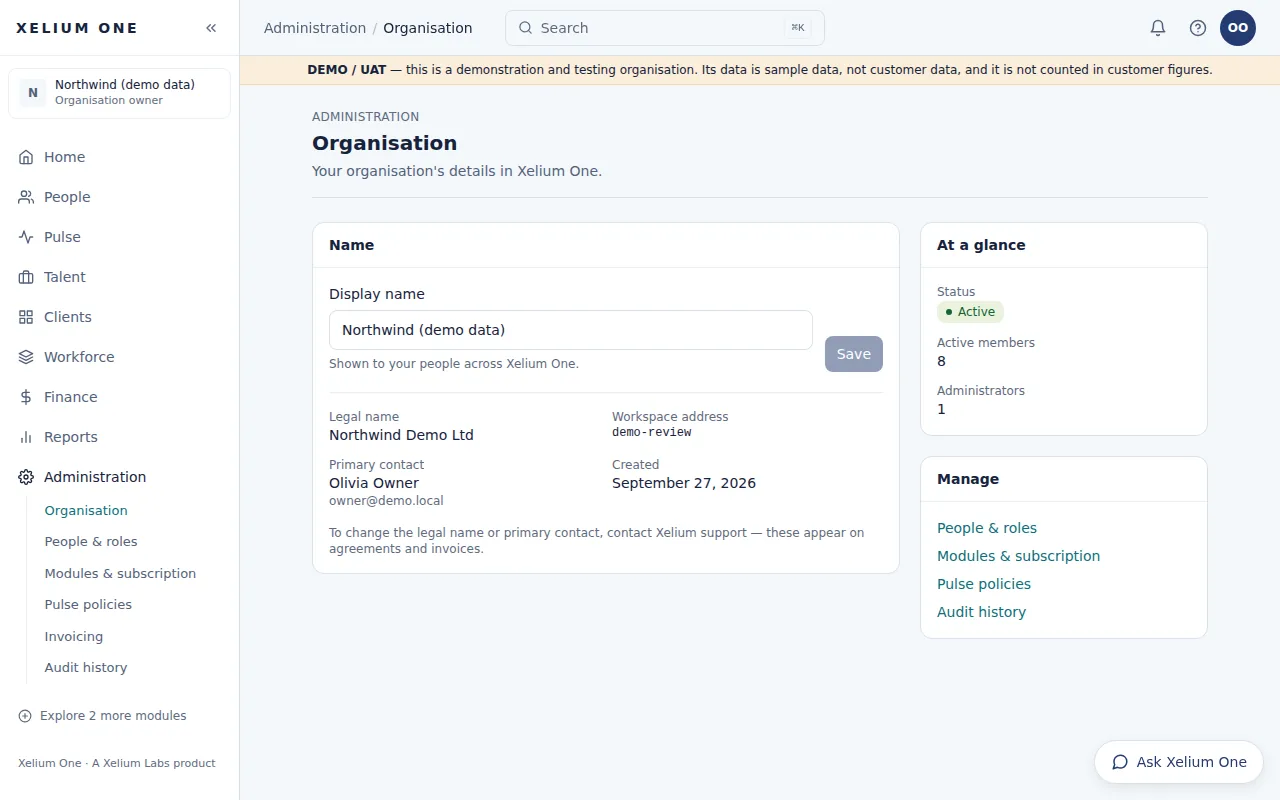
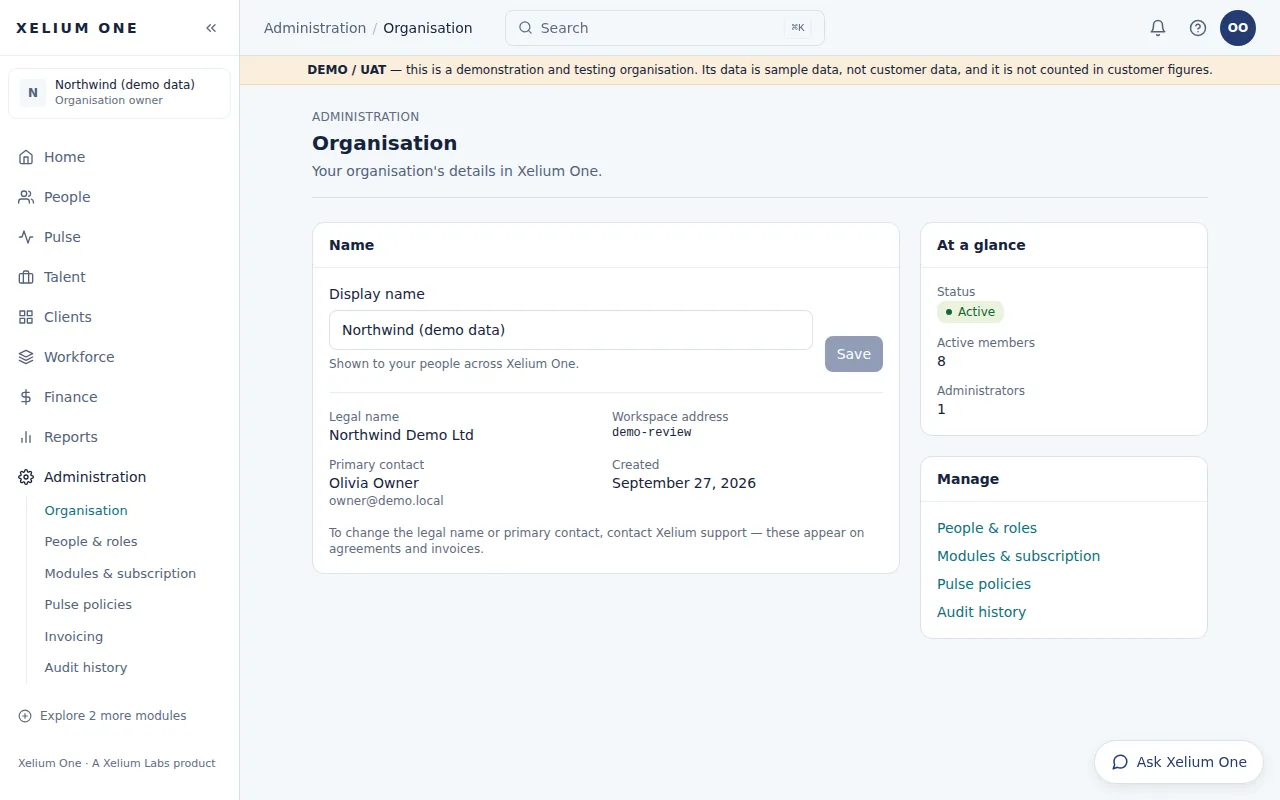
The Organisation administration page for the demo organisation: its display name, legal name, workspace address, primary contact, status and member counts.
Real Xelium One screen · demo organisation, example dataYour organisation's details, the first thing you set up. Open full size: Organisation

Every Xelium One organisation starts with Core. You choose which modules to add on top of it, and they appear in the same navigation.

Set up your organisation, invite your team and turn on the modules you need — talk to us and we'll help you choose.

How it works

  • Set up your organisation: Your organisation is set up in Xelium One, with you as its owner.
  • Invite your team: Invite colleagues and give each person a role.
  • Add modules: Turn on the modules you need; they appear in the same navigation.
  • Work in one place: Everyone sees a Home page and menus that match their role and your modules.

Ready when you are

Build your Xelium OneGet started Talk to us

No sign-up was needed for this tour. Prices are shown only once they are published.

Previous: AdministrationTip: use the ← and → keysGet started
Xelium OneXelium OneA Xelium Labs product

One Business. One Platform. People. Operations. Intelligence. Connected.

Platform

  • Explore the platform
  • All modules
  • Solutions
  • Build your Xelium One
  • Pricing

Modules

  • Xelium One Core
  • Xelium Pulse
  • Xelium Talent
  • Xelium CRM
  • Timesheets
  • Revenue
  • Incentives
  • Invoicing
  • Reports
  • Xelium Vendor (coming soon)

Resources

  • Product Tour
  • Security & trust
  • Founder's vision
  • FAQs
  • All resources

Company

  • Xelium Labs
  • Careers pages
  • Talk to us
  • Sign in
  • Get started
Xelium One · A Xelium Labs product