Xelium OneXelium One
PlatformModulesSolutions
  • Product TourSee Xelium One screen by screen
  • Security & trustHow your data is protected
  • Founder's visionWhy we are building Xelium One
  • FAQsAnswers to common questions
  • All resourcesGuides, pricing and more
Pricing
Product TourSign inGet started
  • Platform
  • Modules
  • Solutions
  • Pricing

Resources

  • Product Tour
  • Security & trust
  • Founder's vision
  • FAQs
  • All resources
Sign inGet started

Product Tour · no sign-up needed

Xelium One Product Tour

Walk through Xelium One in 11 short steps, from one shared Core to invoices and reports. Every picture is a real Xelium One screen from the demo organisation Northwind (demo data); the people, clients and amounts are example data.

Step 7 of 11Skip to Get started
  1. Meet Xelium One (seen)
  2. One Core (seen)
  3. People (seen)
  4. Pulse (seen)
  5. Talent & offers (seen)
  6. Timesheets (seen)
  7. 7Revenue
  8. 8Invoicing
  9. 9Reports
  10. 10Administration
  11. 11Get started

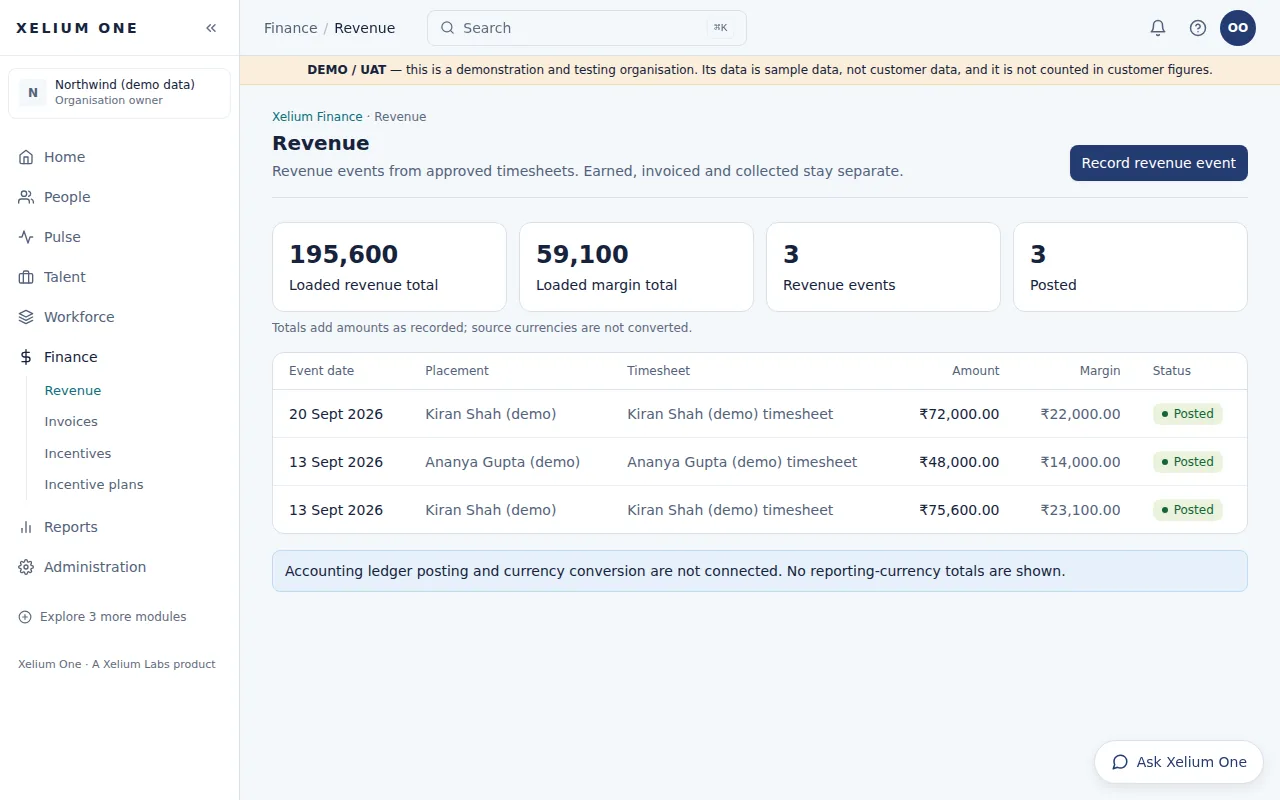
Revenue and margin from approved work.

Revenue
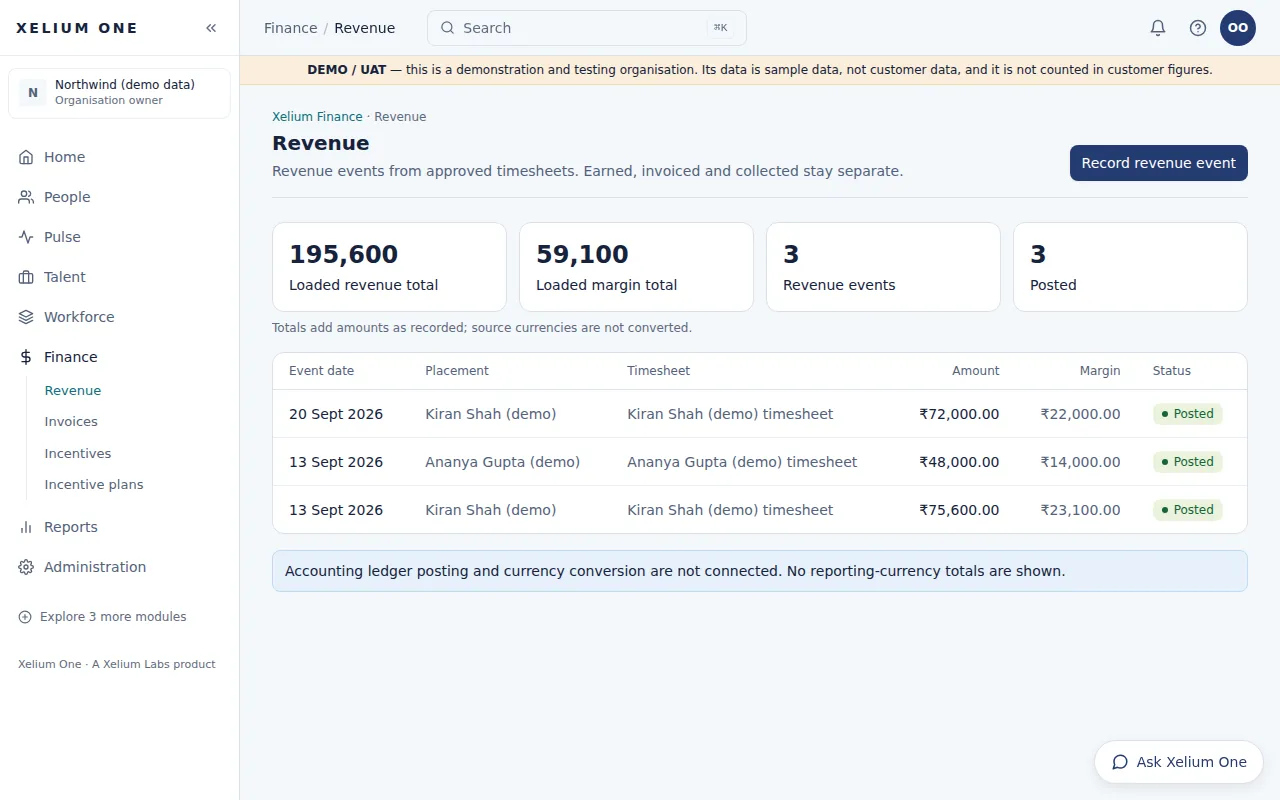
The Revenue page listing demo revenue events posted from approved timesheets, with placement, amount, margin and status, and totals above.
Real Xelium One screen · demo organisation, example dataRevenue events posted from approved timesheets, with margin. Open full size: Revenue

Revenue events derived from approved timesheet hours and placement rates, with cost and margin — posted once per timesheet and traceable to the hours behind them.

Revenue in Xelium One is calculated from approved hours and agreed rates, so every figure can explain where it came from.

Key points

  • Amount = approved hours × billing rate
  • Cost = approved hours × pay rate, and the margin between them
  • A timesheet is posted once — posting it again returns the same event
  • Amounts can't be typed in; they are derived
Explore Revenue

What it connects to

  • TimesheetsRevenue comes only from approved timesheets.
  • Invoicing & ReceivablesRevenue is invoiced to the client.
  • Incentives & CommissionsPosted revenue is the basis for incentive calculations.
Previous: TimesheetsTip: use the ← and → keysNext: Invoicing & Receivables
Xelium OneXelium OneA Xelium Labs product

One Business. One Platform. People. Operations. Intelligence. Connected.

Platform

  • Explore the platform
  • All modules
  • Solutions
  • Build your Xelium One
  • Pricing

Modules

  • Xelium One Core
  • Xelium Pulse
  • Xelium Talent
  • Xelium CRM
  • Timesheets
  • Revenue
  • Incentives
  • Invoicing
  • Reports
  • Xelium Vendor (coming soon)

Resources

  • Product Tour
  • Security & trust
  • Founder's vision
  • FAQs
  • All resources

Company

  • Xelium Labs
  • Careers pages
  • Talk to us
  • Sign in
  • Get started
Xelium One · A Xelium Labs product